

PostgreSQL 18 Without Installation—and Even Kernel Patch Testing: A Hands-On PGNexus Tour
A hands-on tour of PostgreSQL 18 and IvorySQL 5.6 sandboxes, kernel patch testing, physical replication, benchmarks, and AI assistance on PGNexus.
ShunWah
Contributor
Author: Ma Shunhua (shunwah, known as “Database Huashao”) Originally published in the WeChat publication “shunwah星辰数智社” on September 30, 2026.
Hook
Guess what: this time I “installed” PostgreSQL without ever touching an installation package.
During the September 12 IvorySQL session, I explored PGNexus from account registration to benchmarking. Getting PG 18 ready took a few clicks and one verification email—no compilation and no installation command.
“The shortest route to a database is an email registration, not an installer download.”
What is PGNexus? A full-stack PostgreSQL platform for collaboration across industry, education, and research, bringing learning, development, review, experiments, and teamwork together. It also hosts community information, a knowledge base, contributor profiles, organizations, and jobs. Here I focus on the part that drew me in: the Sandbox Lab, described as a browser-based PostgreSQL lab spanning SQL exploration through kernel patch development.
You can register at pgnexus.ai and follow along. The screenshots below are the original interfaces from my hands-on session, without retouching.
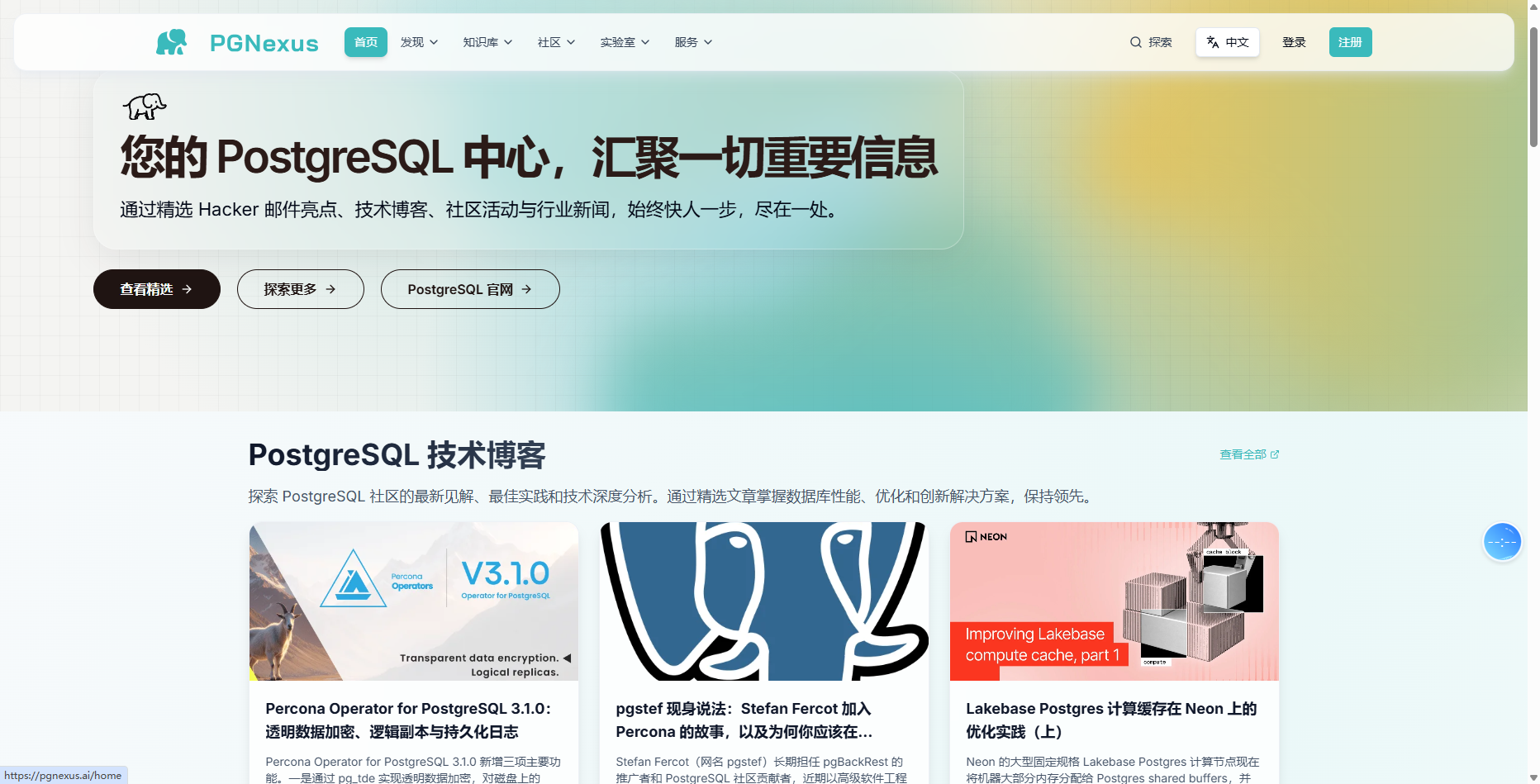
01 Basic Sandbox: Register an Email, Get PG 18
Think of a sandbox as a test drive: it is reclaimed automatically when time runs out, without a return procedure.
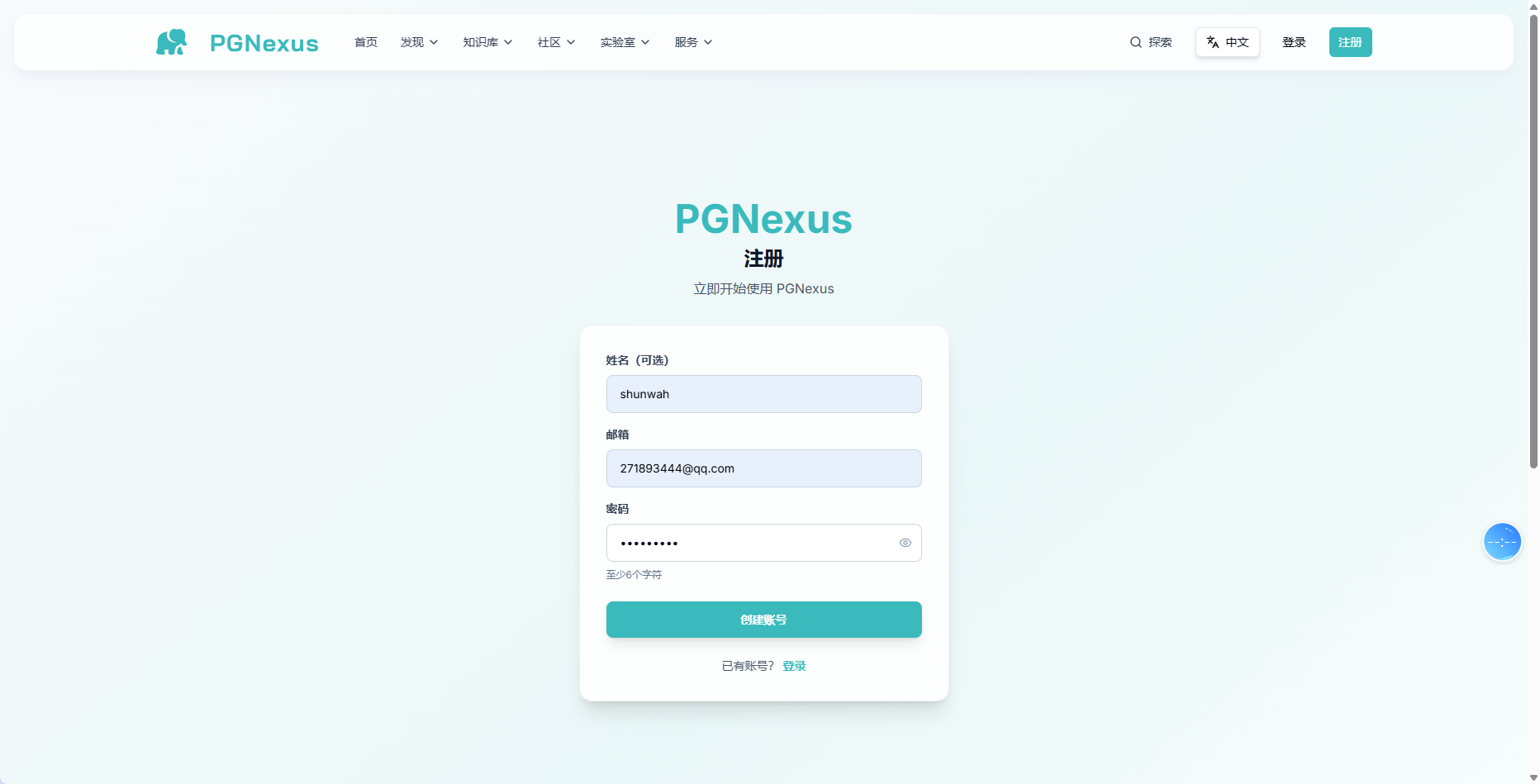
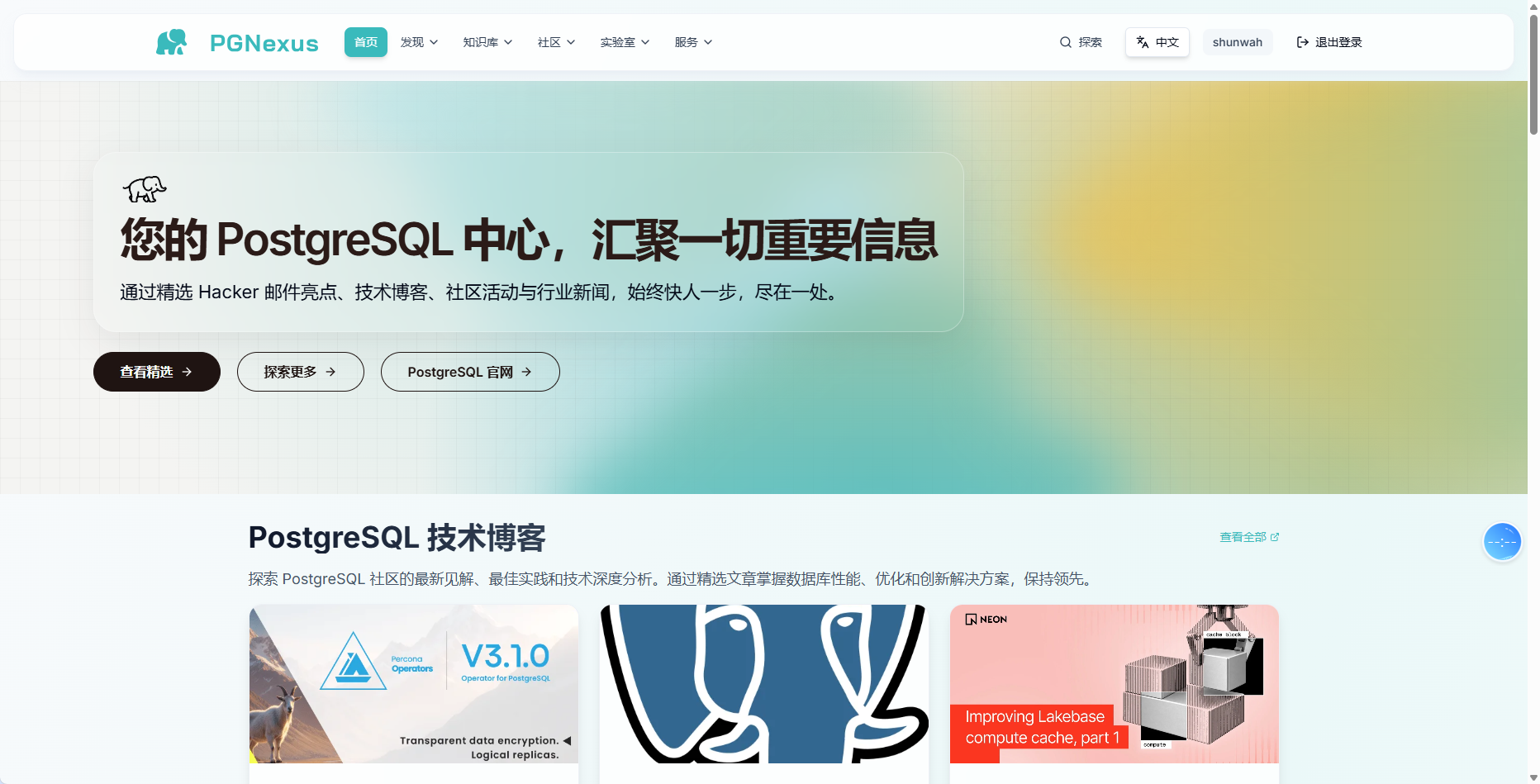
Registration needs an email address. The verification link remains valid for 24 hours; verify it, sign in, and enter the lab.
The first stop is the sandbox environment: an isolated database environment for testing and experiments.
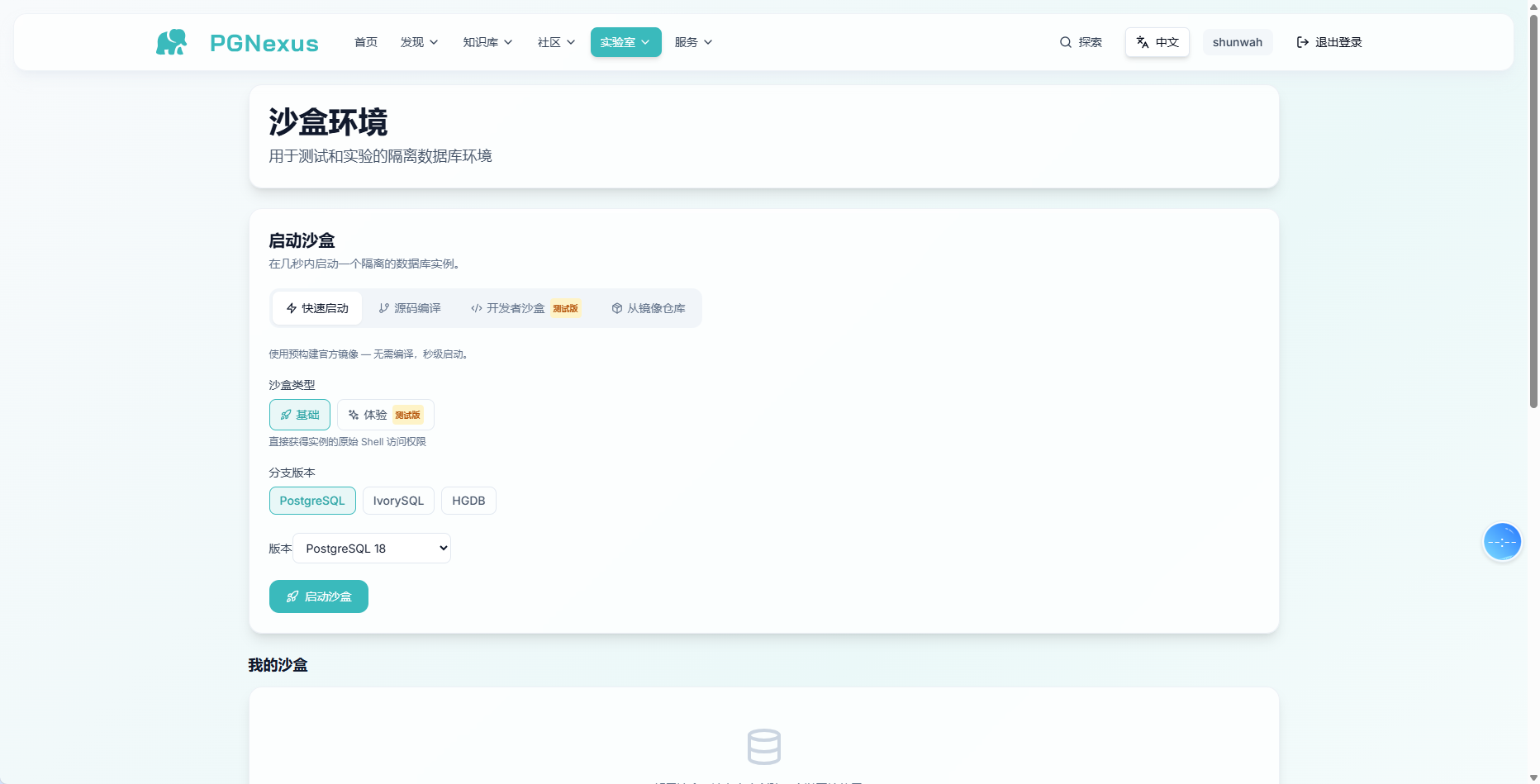
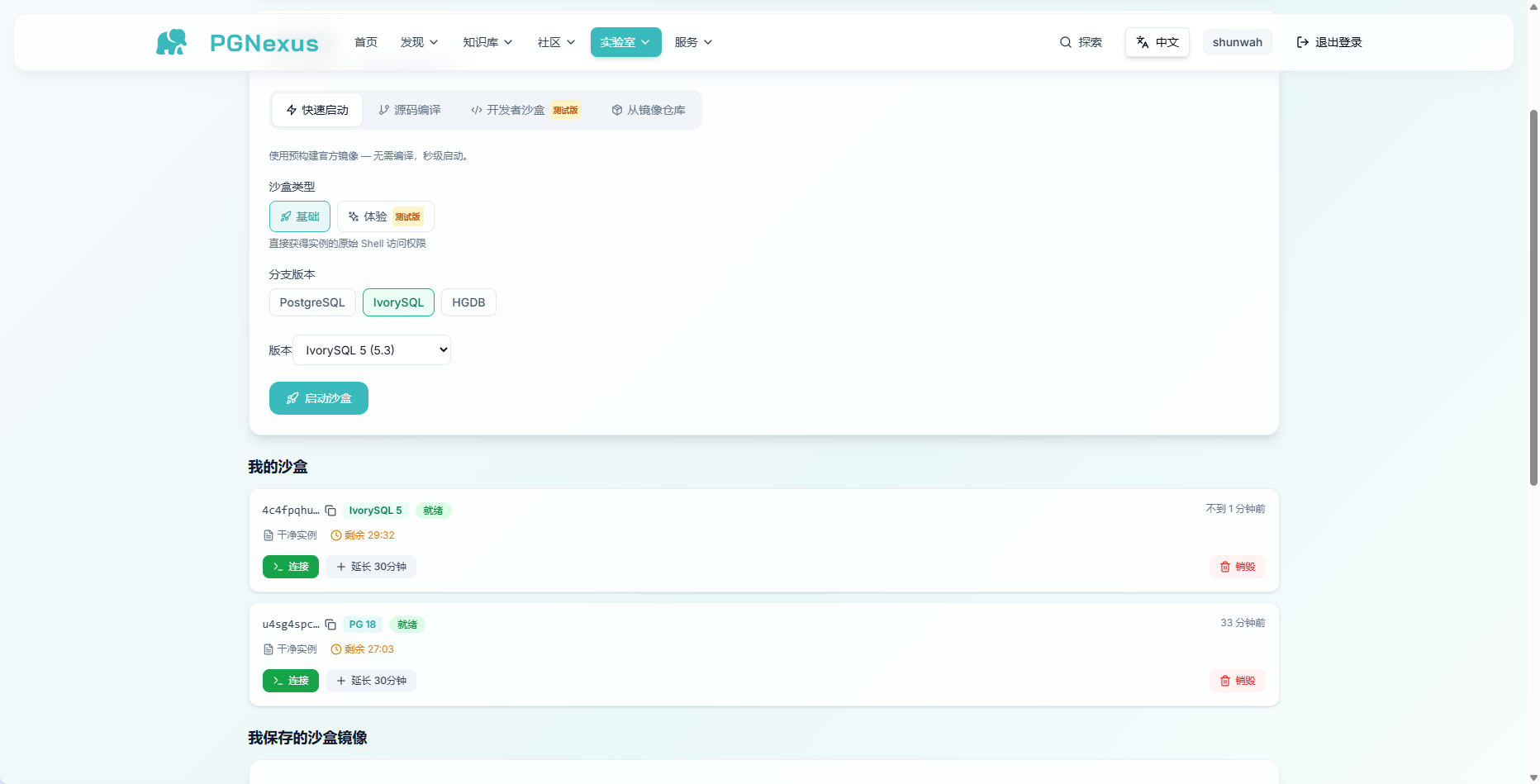
The launch interface offers PostgreSQL 18, 17, 16, 15, and 14. As a DBA, I instinctively chose the newest version, 18.
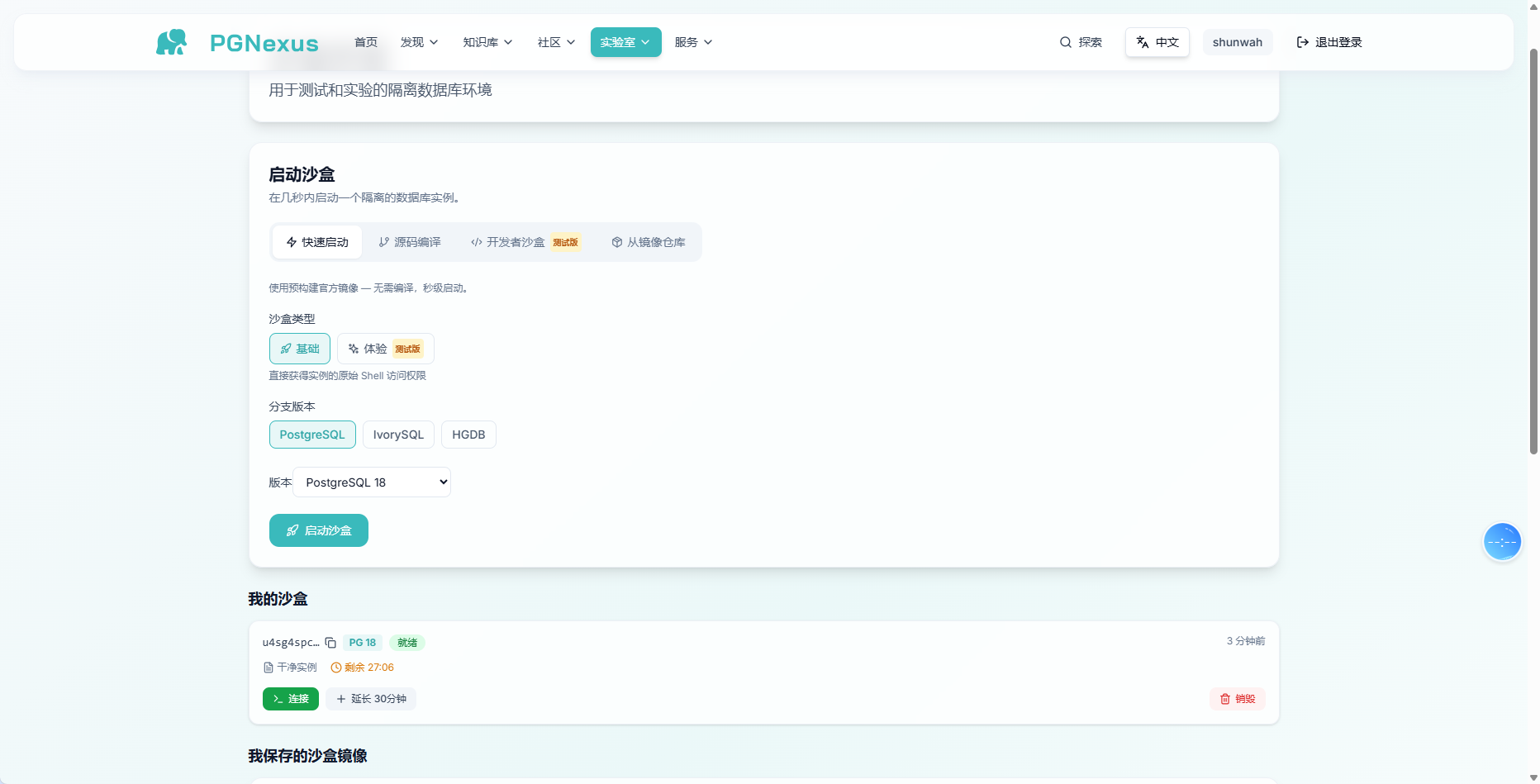
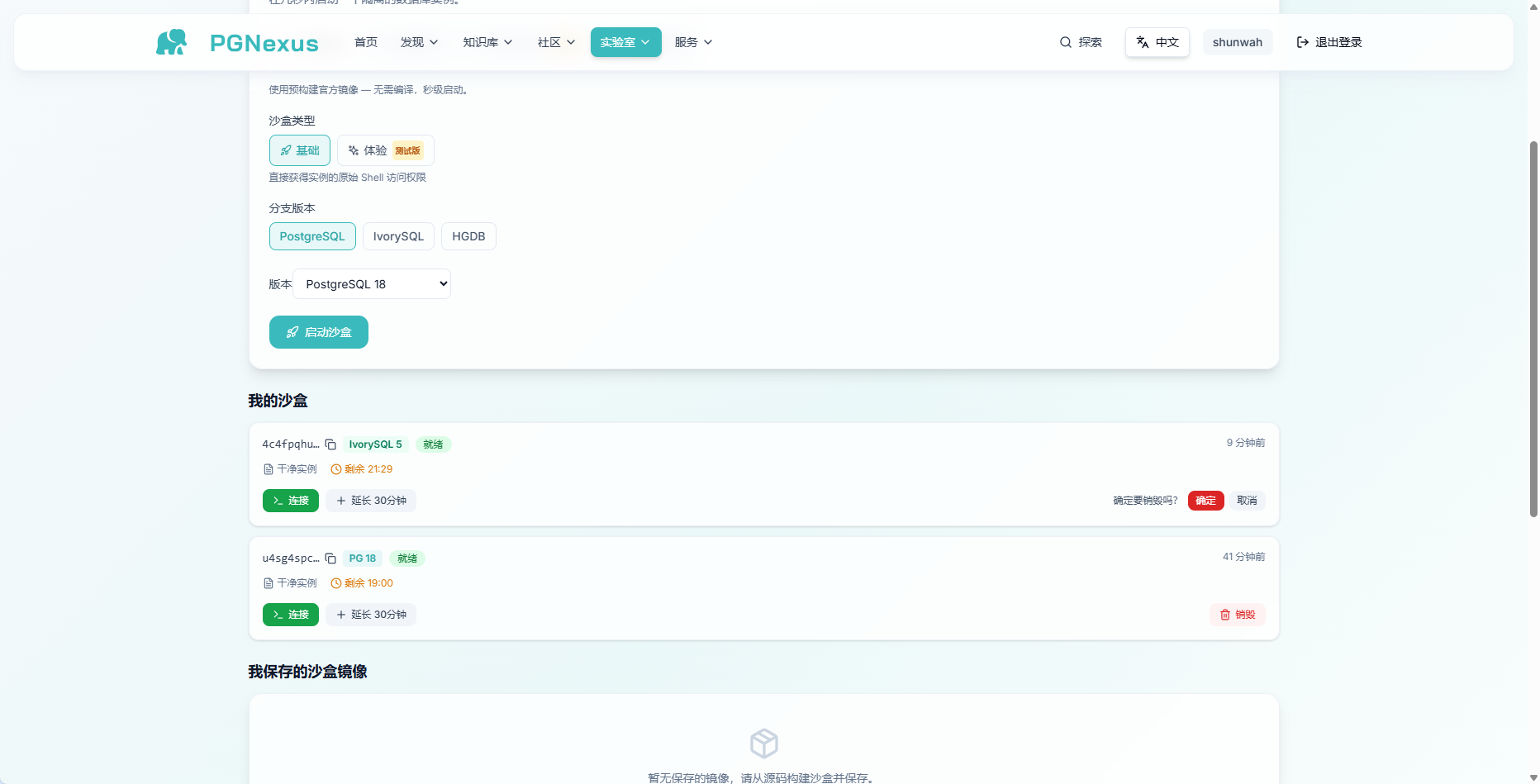
A few seconds later, the sandbox ID starting with u4sg4spc showed PG 18 as ready. The clean instance had 26:37 remaining, with a button to extend it by 30 minutes. I like that countdown: it clearly communicates that this is temporary infrastructure.
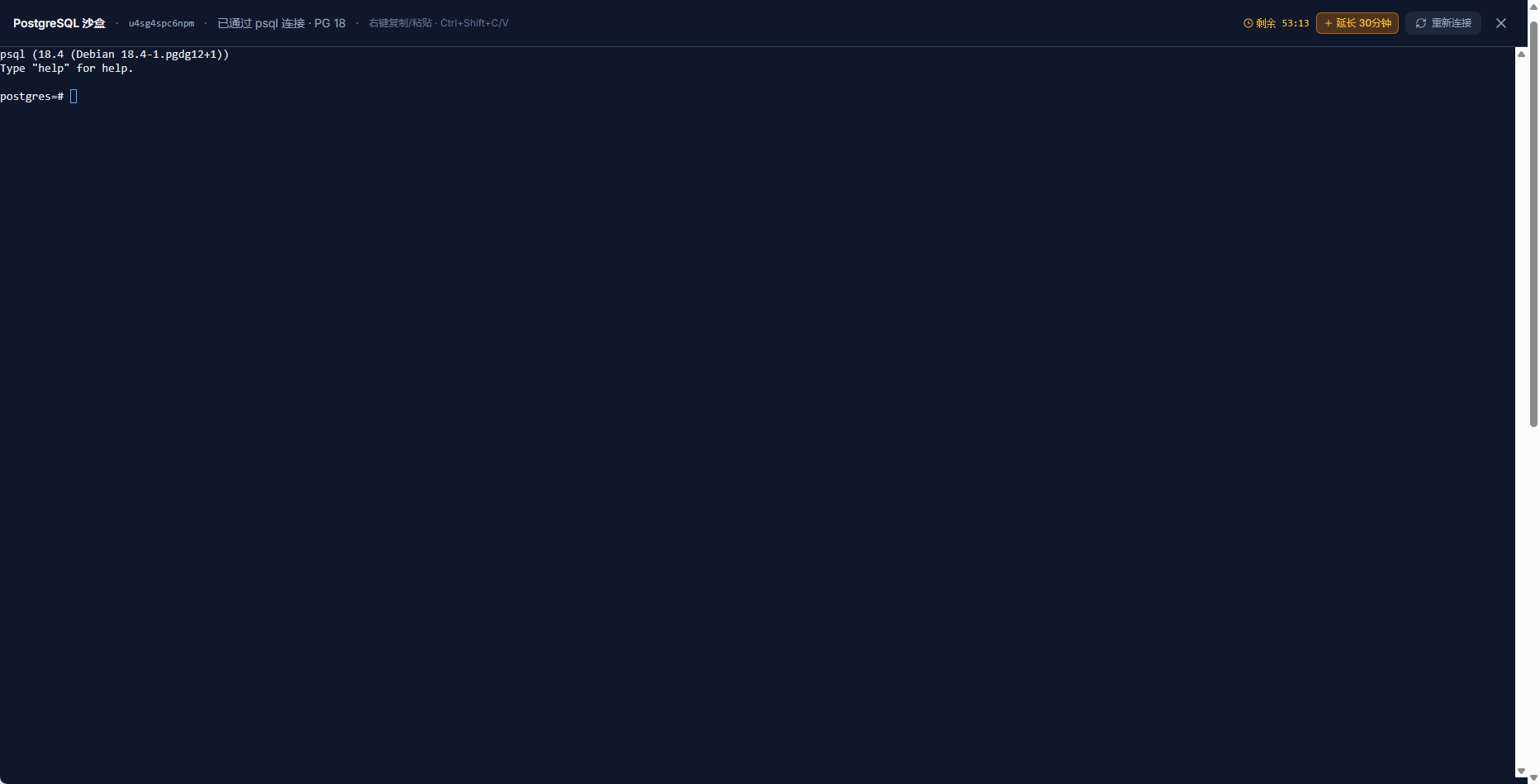
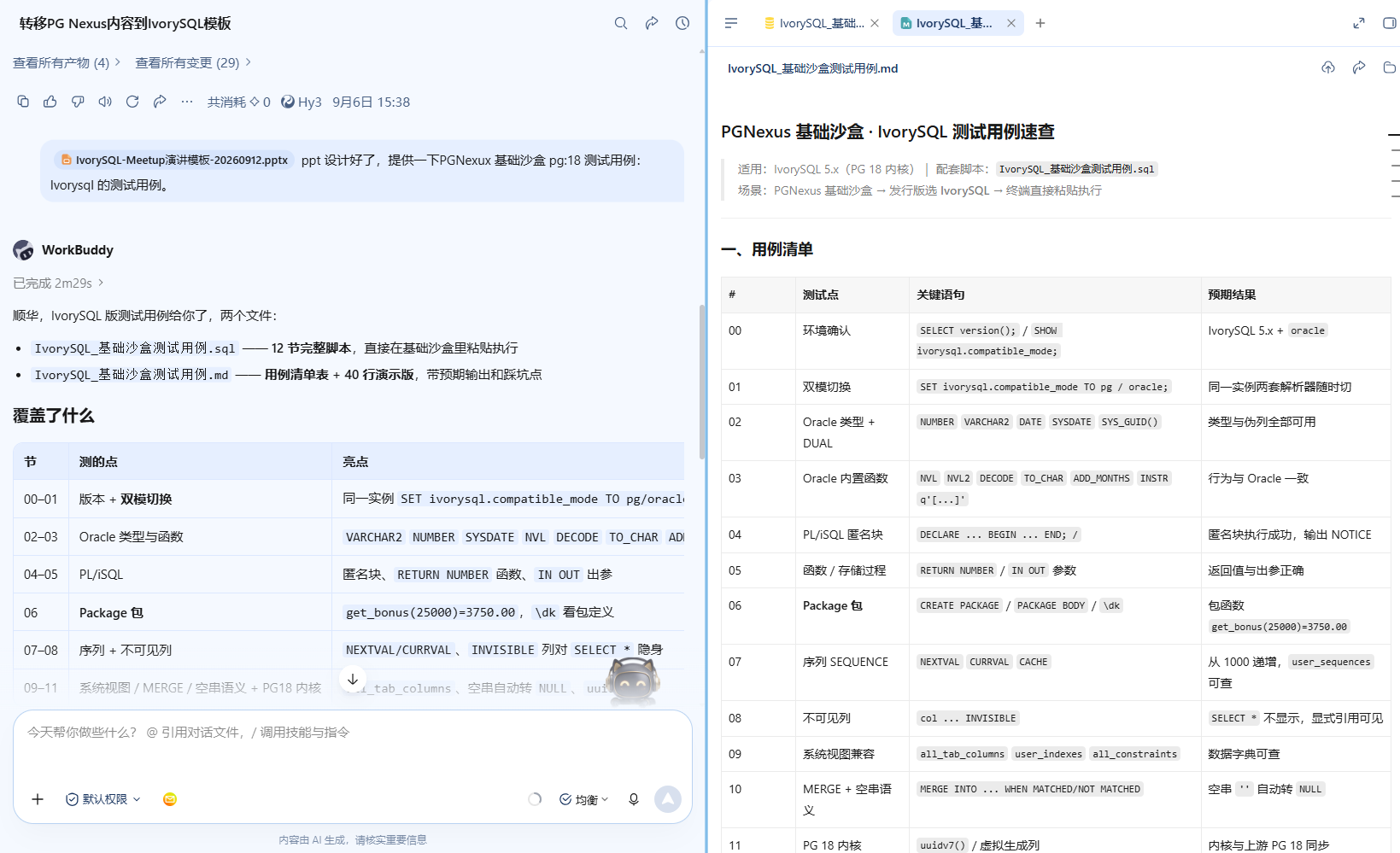
Connecting opens a standard psql terminal with completion. Not sure what to test? The interface also offers AI-generated test cases.
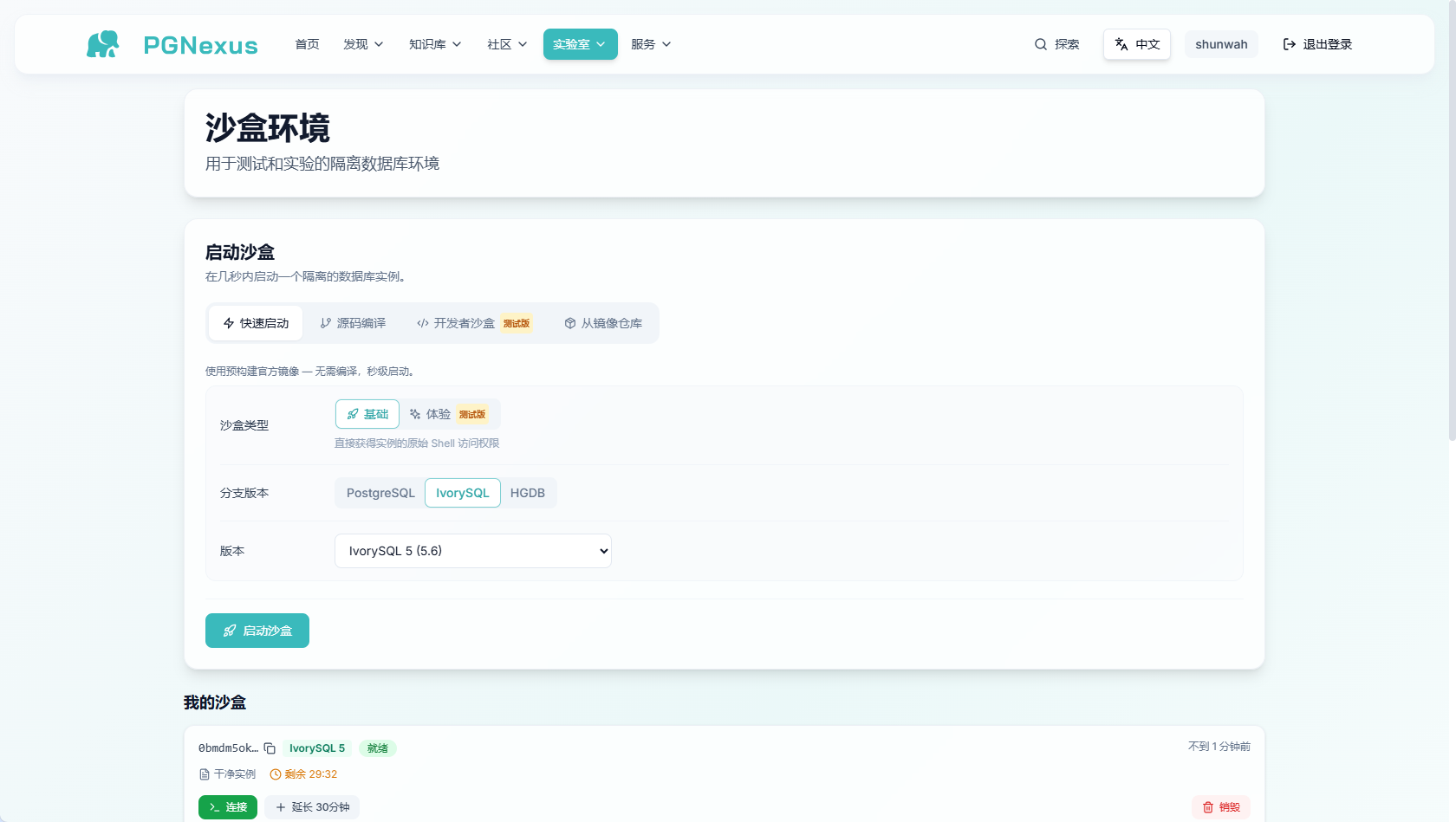
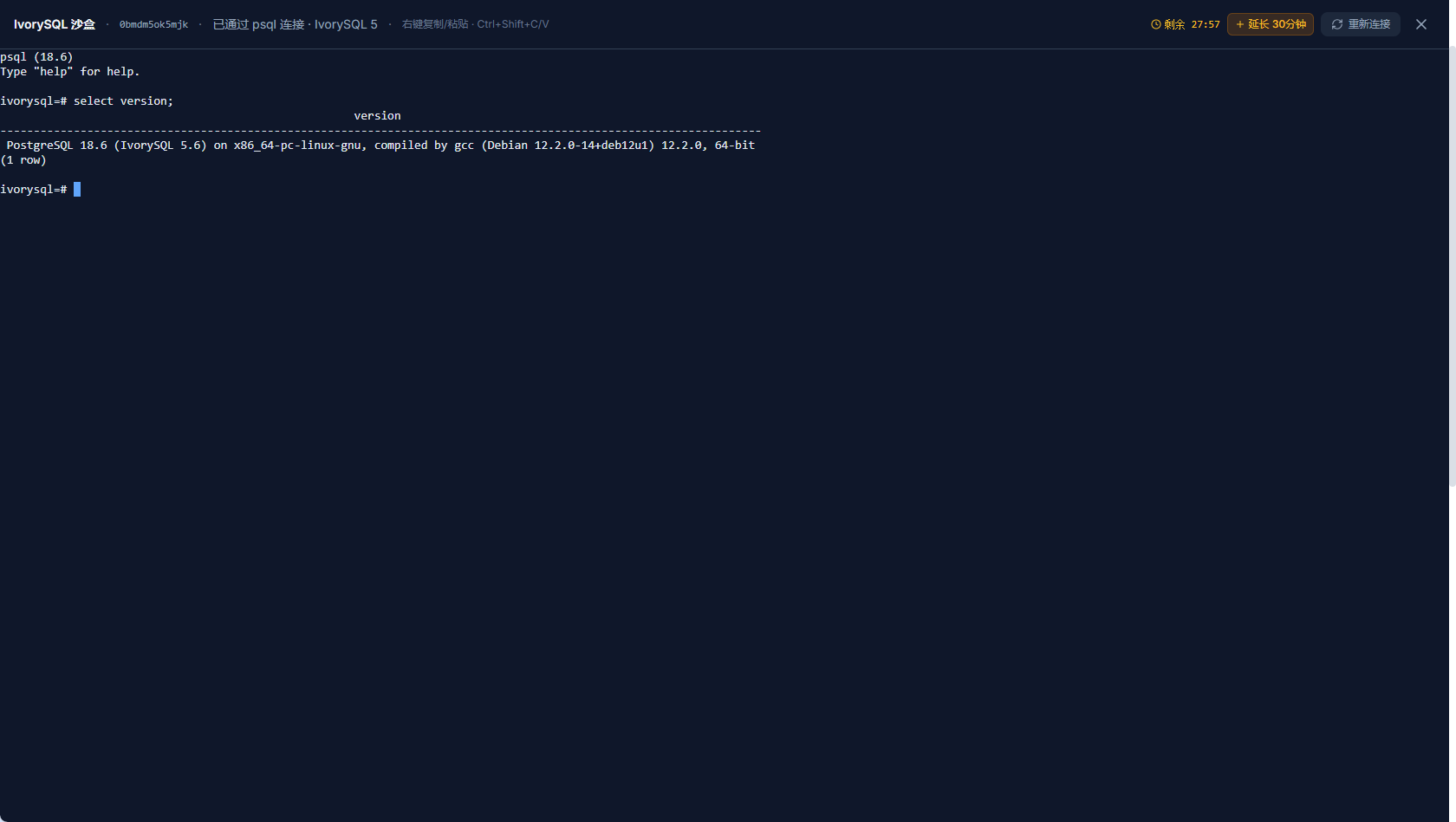
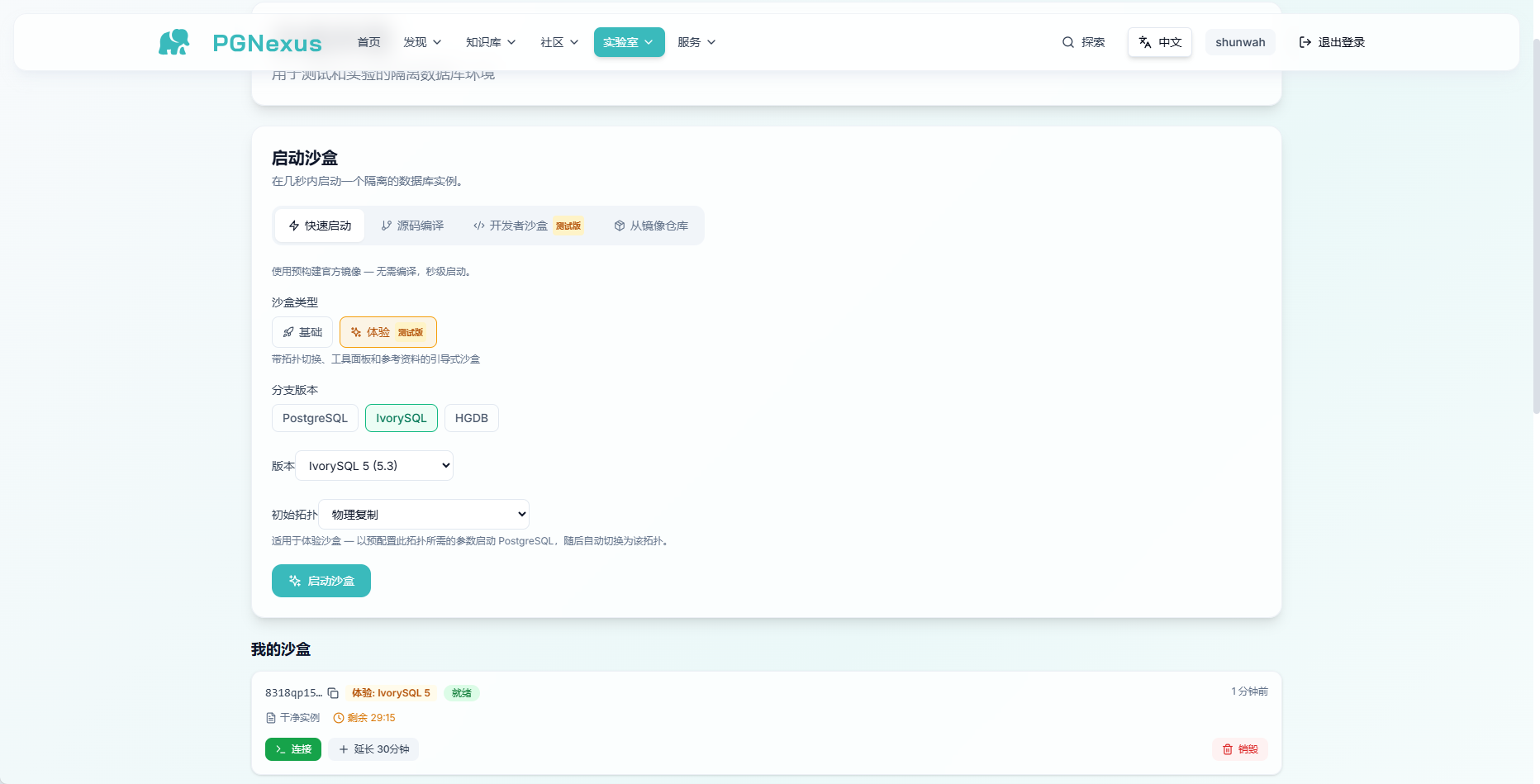
The available forks are even more interesting. Beyond PostgreSQL, IvorySQL is offered at version 5 (5.6). I selected 5.6, connected, and ran a version query, which returned PostgreSQL 18.6 (IvorySQL 5.6). It follows the PostgreSQL mainline while adding compatibility features in the fork. Switching from PG 18 to IvorySQL within the same browser tab is convenient for compatibility testing.
When finished, click Destroy and confirm the prompt. The environment is reclaimed cleanly, like returning a shared power bank.
02 Developer Sandbox: AI Helps Test a Kernel Patch
The entry barrier to contributing a PG kernel patch is moving from setting up a compiler to operating a workflow.
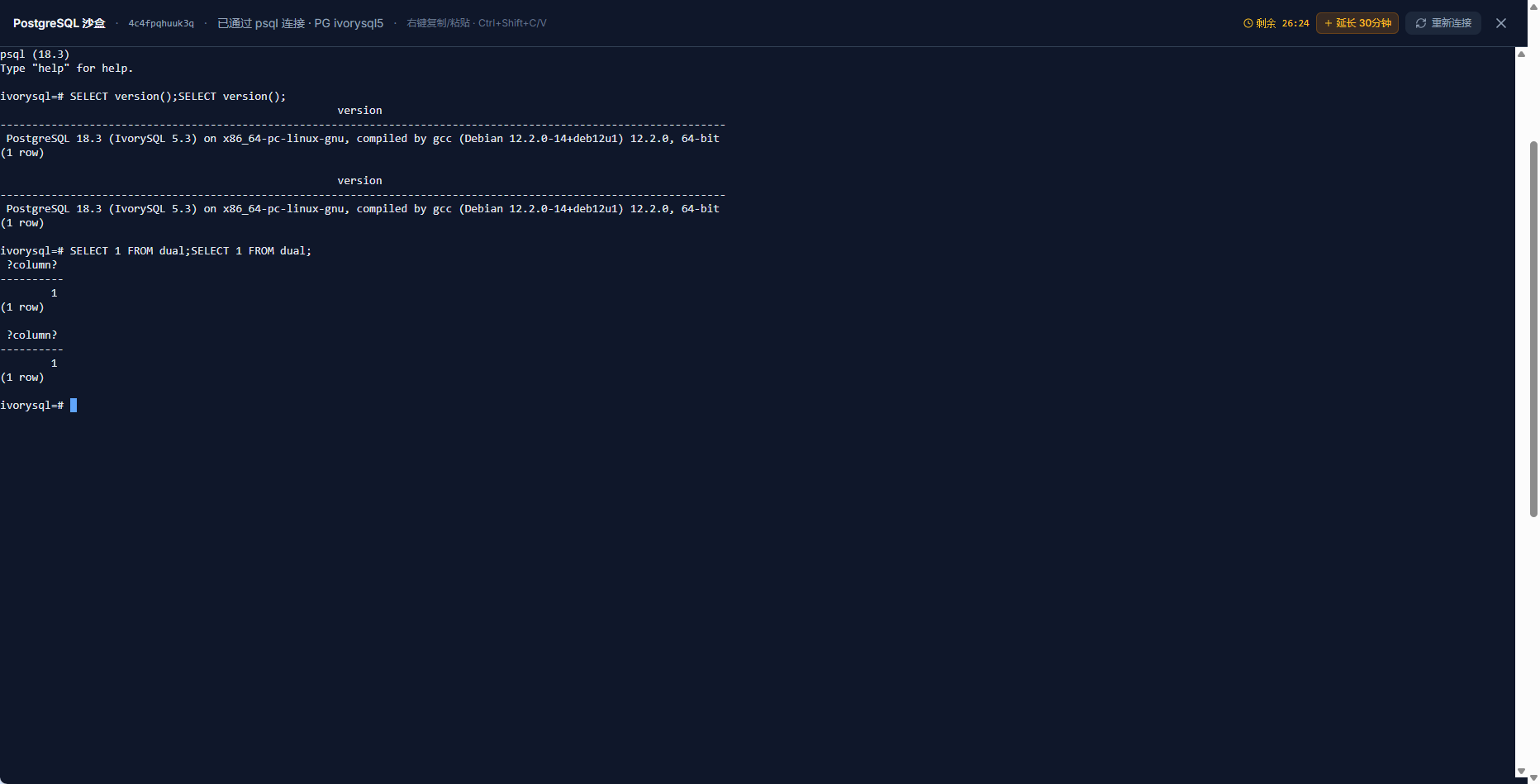
Sandbox interfaces come in two forms: Basic, exposing the raw shell terminal, and Experience, offering a graphical workbench. The basic sandbox connects directly to psql; I tried SELECT 1 FROM dual, a familiar sight for Oracle users.
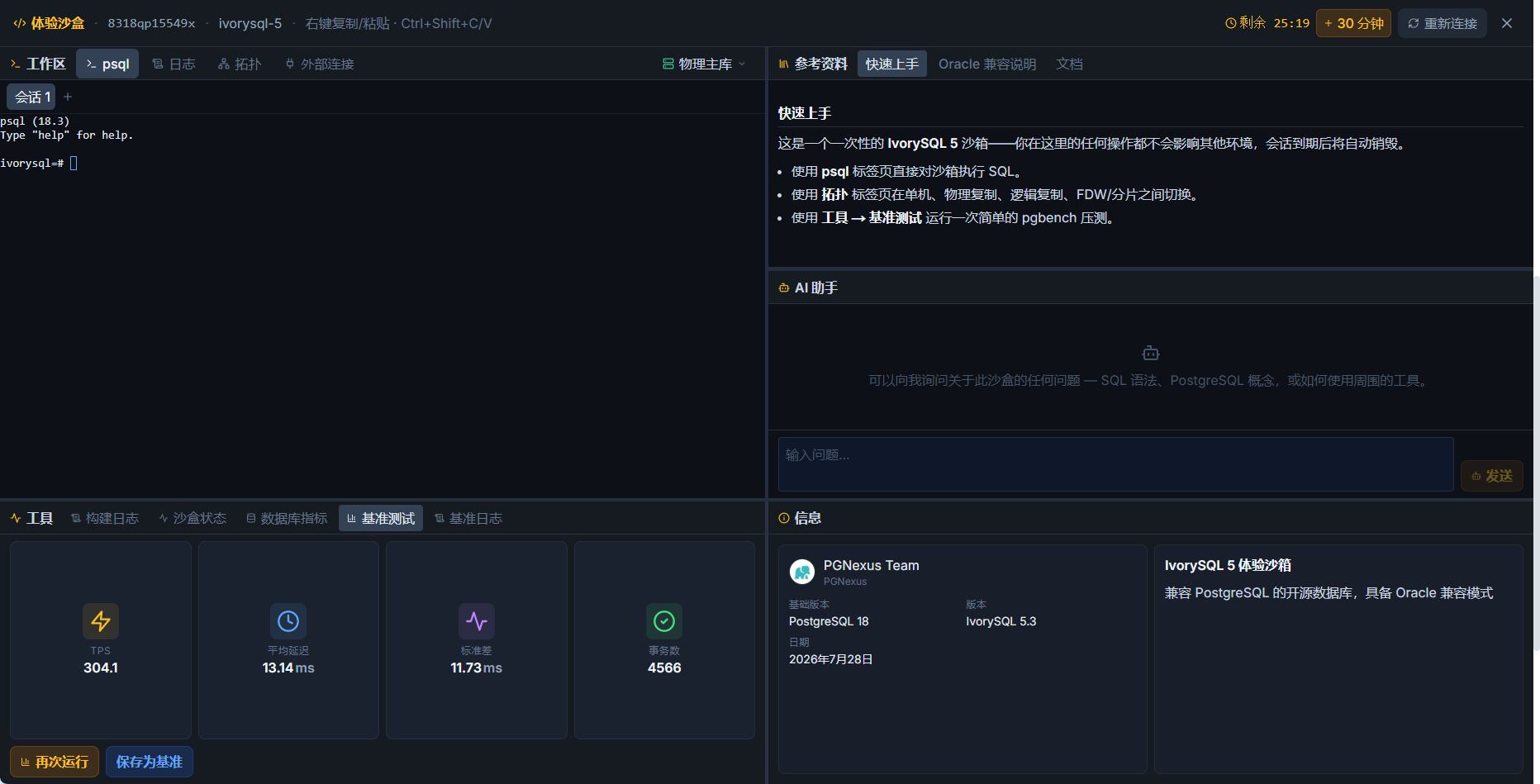
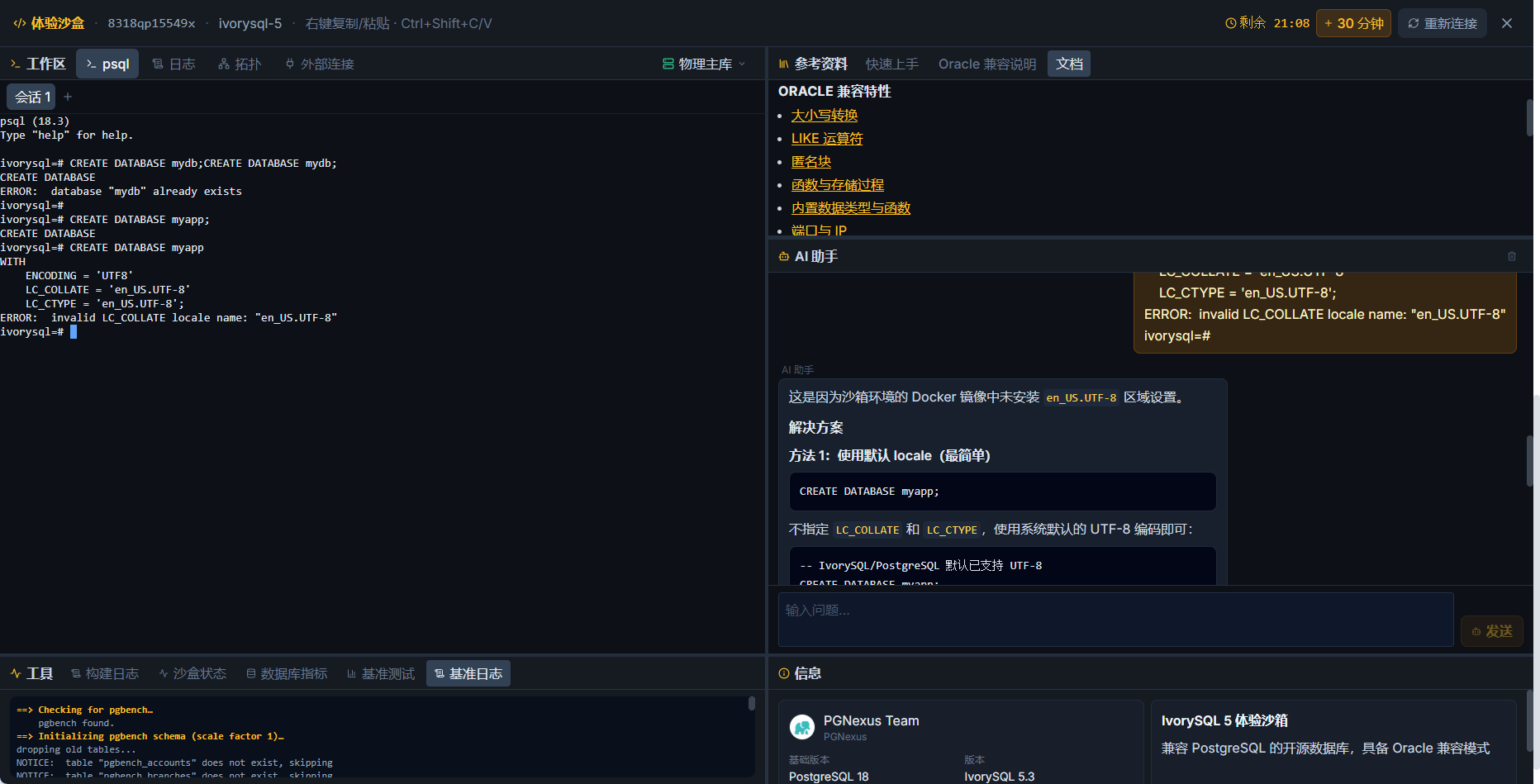
The interface is the documentation: the Experience workbench brings the workspace, psql, logs, topology, and AI assistant together on one screen (Figures 14 and 15). Logs help you get oriented, while AI tools are available in the toolbar.
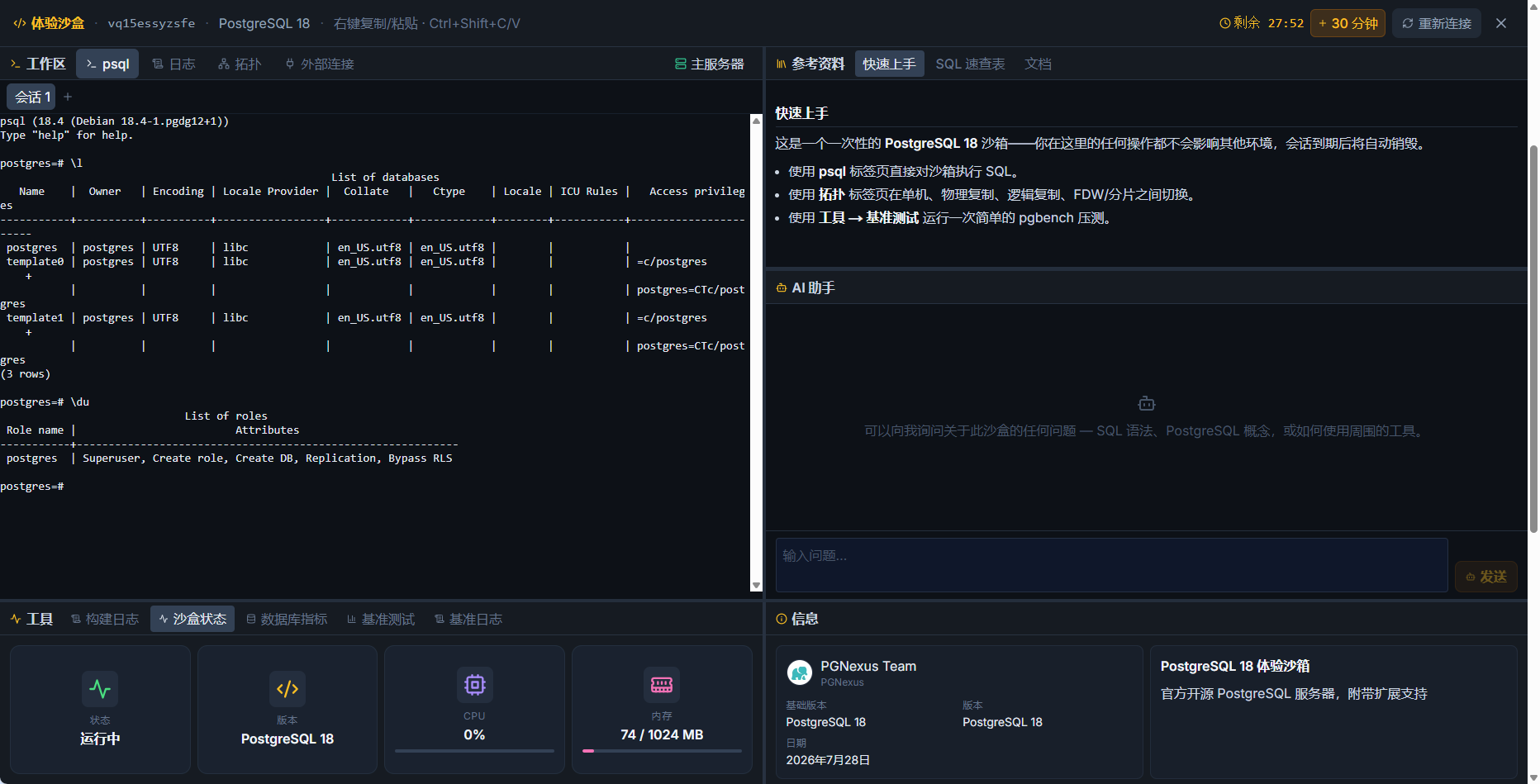
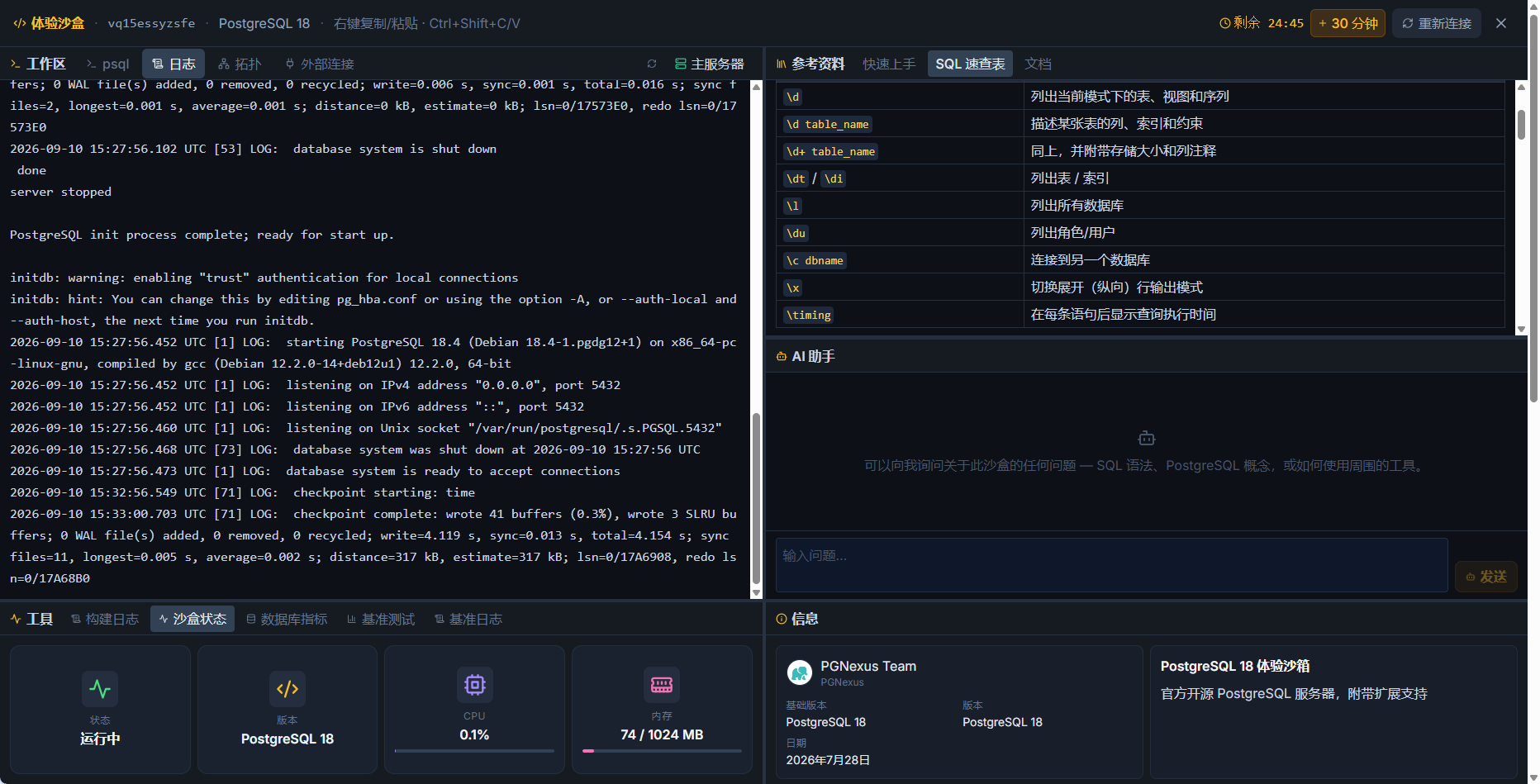
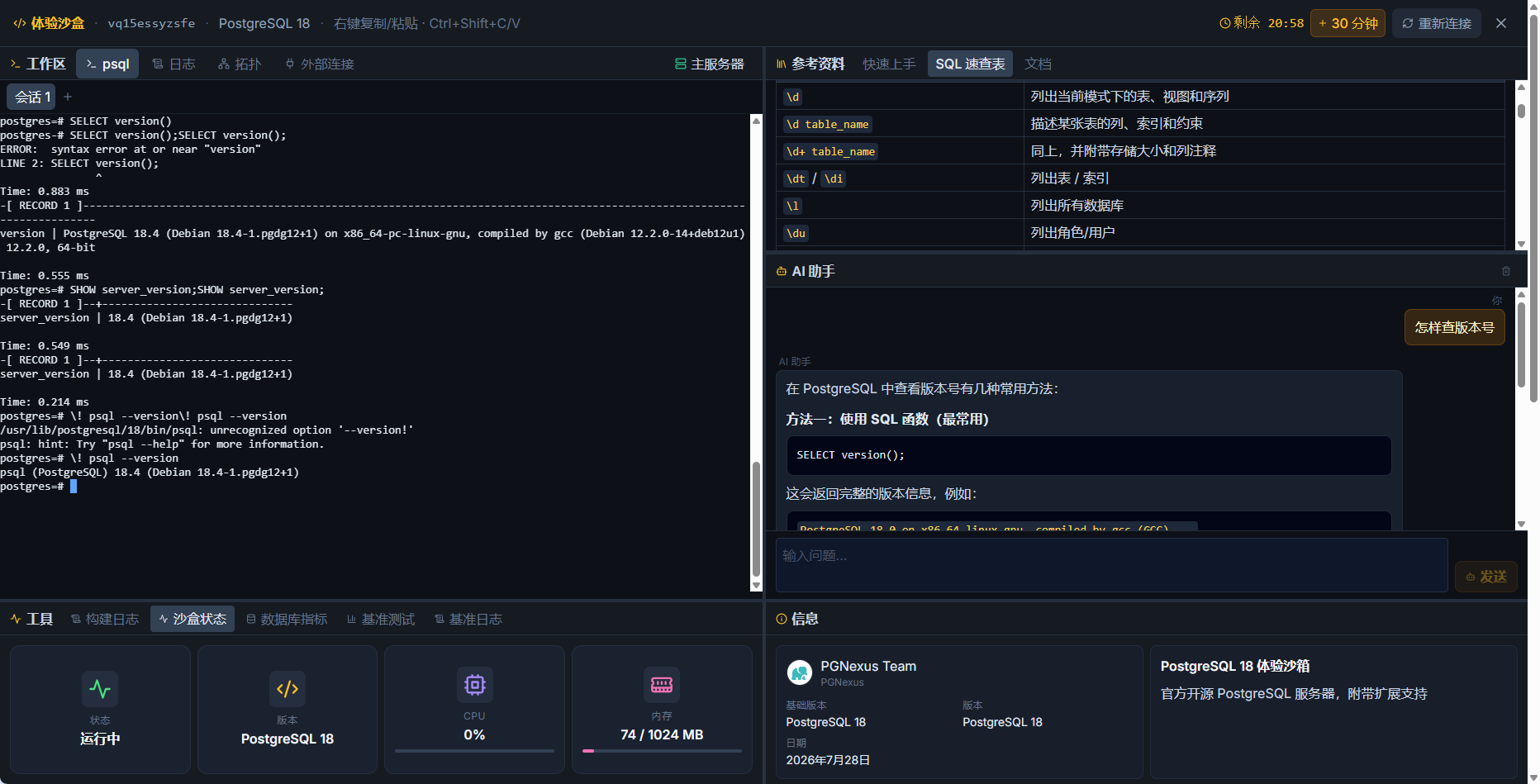
The main attraction is the Developer Sandbox, intended for PG kernel development. Patch management supports adding, removing, and reordering patches, with one-click application of community patches and live rebuilding.
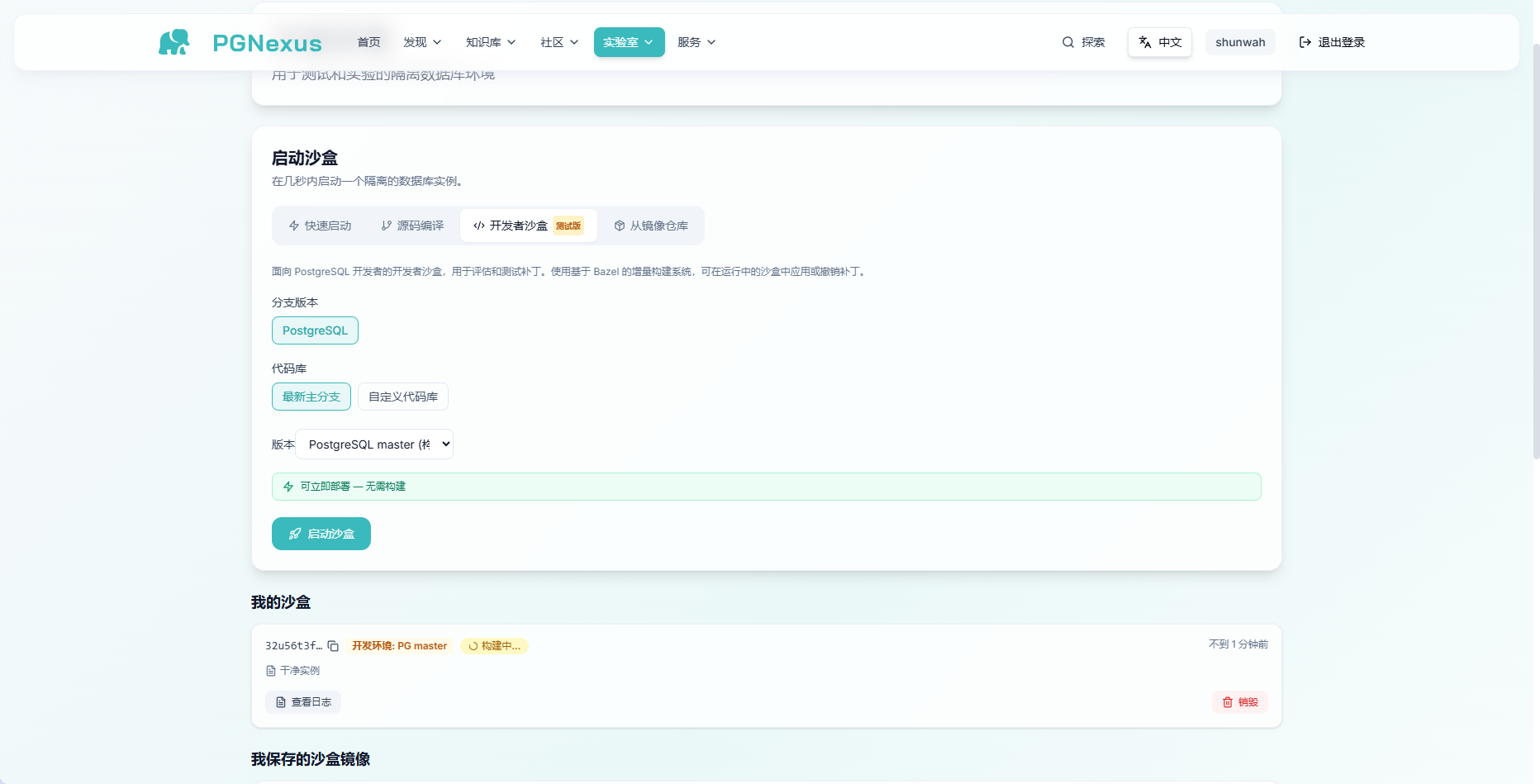
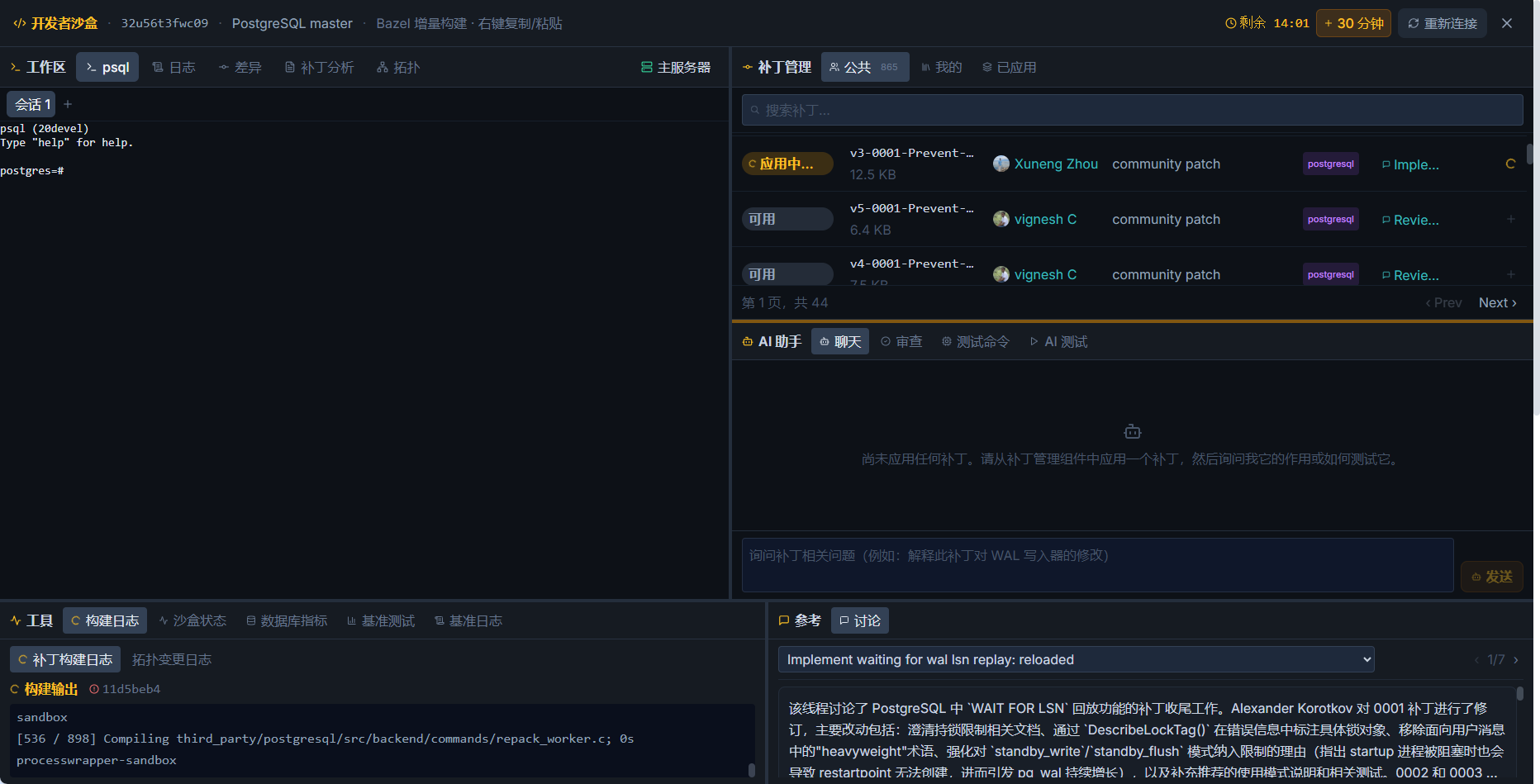
After I clicked Run Tests, AI executed the validation cases, collected results, and produced a report summary with links to related mailing-list discussions.
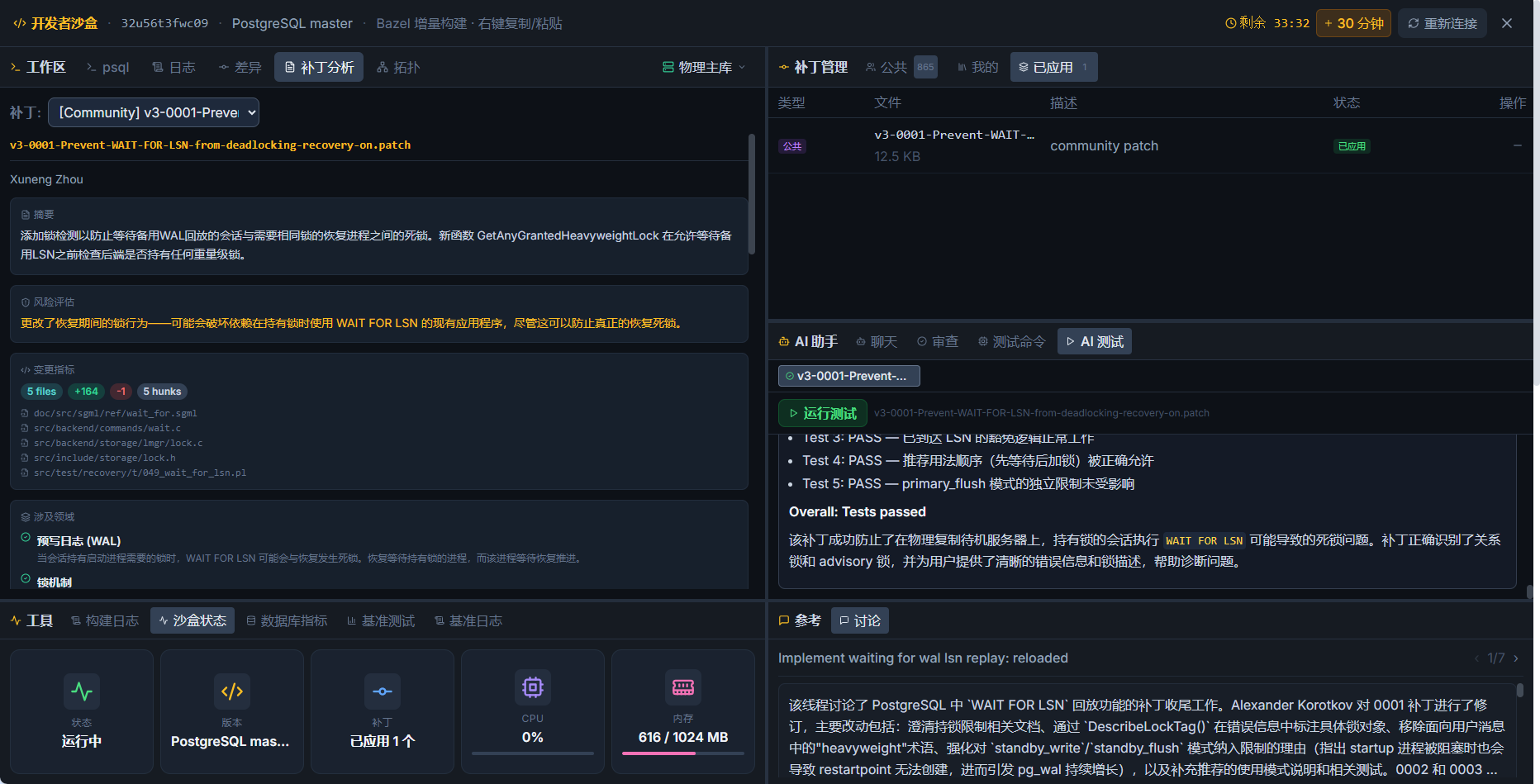
Submitting a PG patch used to feel like baking bread at home: prepare, wait, bake, and repeat after a failed batch. Here it feels more like handing the dough to a kitchen, watching the process, and tasting the result before signing off. You still need to understand the diff, but environment setup is less of a barrier.
03 Physical Replication and Benchmarks: Click to Create a Standby
Standby deployment changes from hand-writing primary_conninfo to a couple of clicks.
The topology panel offers standalone, physical replication, logical replication, and FDW sharding. I selected physical replication and deployed a standby. Tabs at the top right switch between primary and standby connections for inspection.
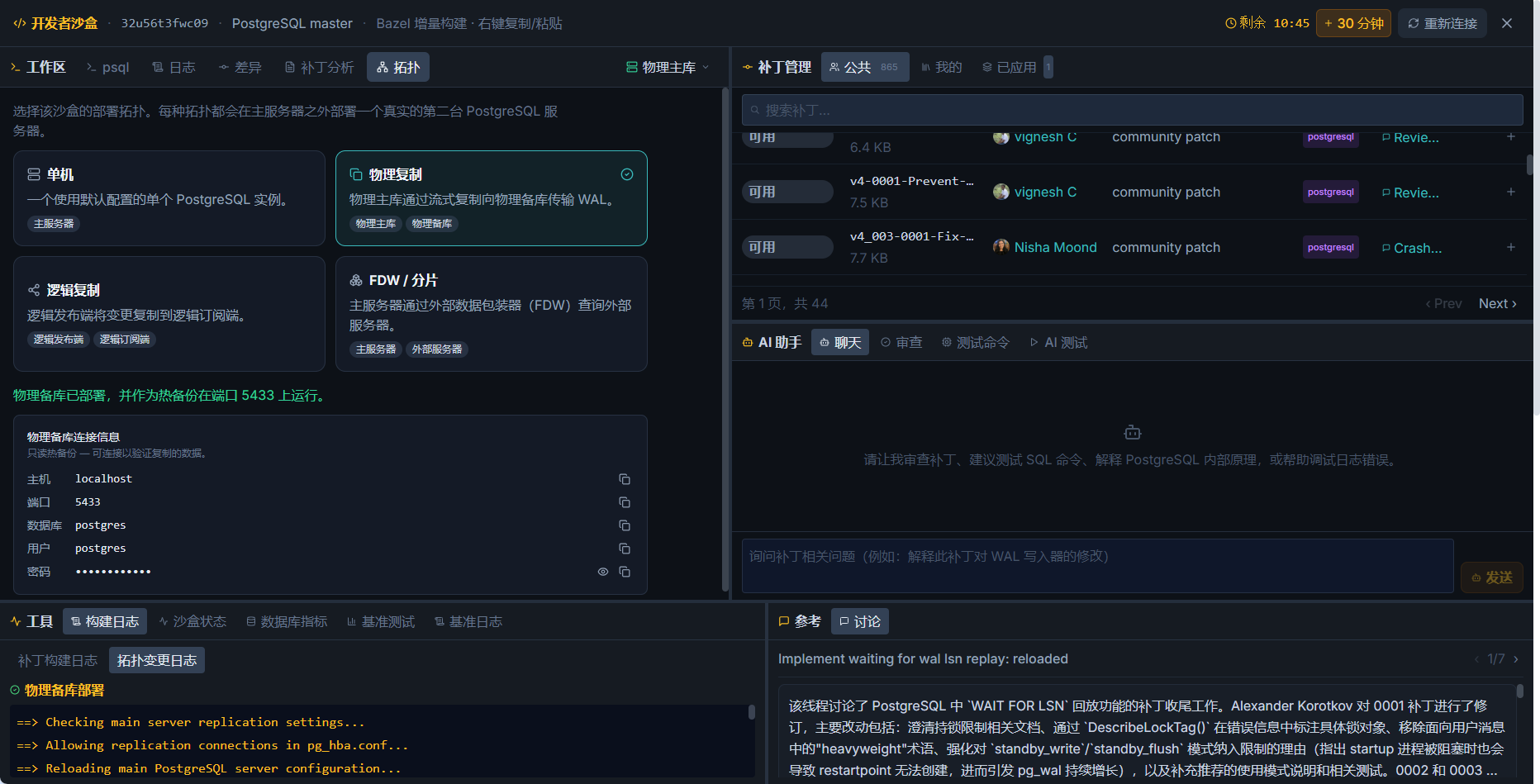
Once the topology was ready, I ran a benchmark and the platform generated its report.
When an error occurred, the AI assistant supplied troubleshooting suggestions rather than only an error code. This resembles my approach to lock waits in LockDetective: tools provide the clues, while people make the judgment. It delivers the work; I sign off.
04 Three Things to Know Before Starting
- Instances are time-limited. The countdown showed 26:37, an extension added 30 minutes, and expiration destroys the instance. Plan longer experiments and save important work outside the sandbox.
- This is an experimental environment. It suits feature validation and testing, but its capacity and settings differ from production. Do not transfer conclusions directly.
- Review AI conclusions yourself. Reports and troubleshooting suggestions provide direction; the final judgment remains yours.
These are operating conditions, rather than shortcomings.
Takeaways
- The shortest route into a new database is to get it running, then read the documentation.
- The platform can handle the environment while developers retain responsibility for kernel-patch judgment.
- AI delivers the report; you sign off after reviewing it.
Visit pgnexus.ai and register by email.
Related Posts
Building a Unified Multimodal Data Foundation for the Next Generation of AI Agents
Sep 10, 2026
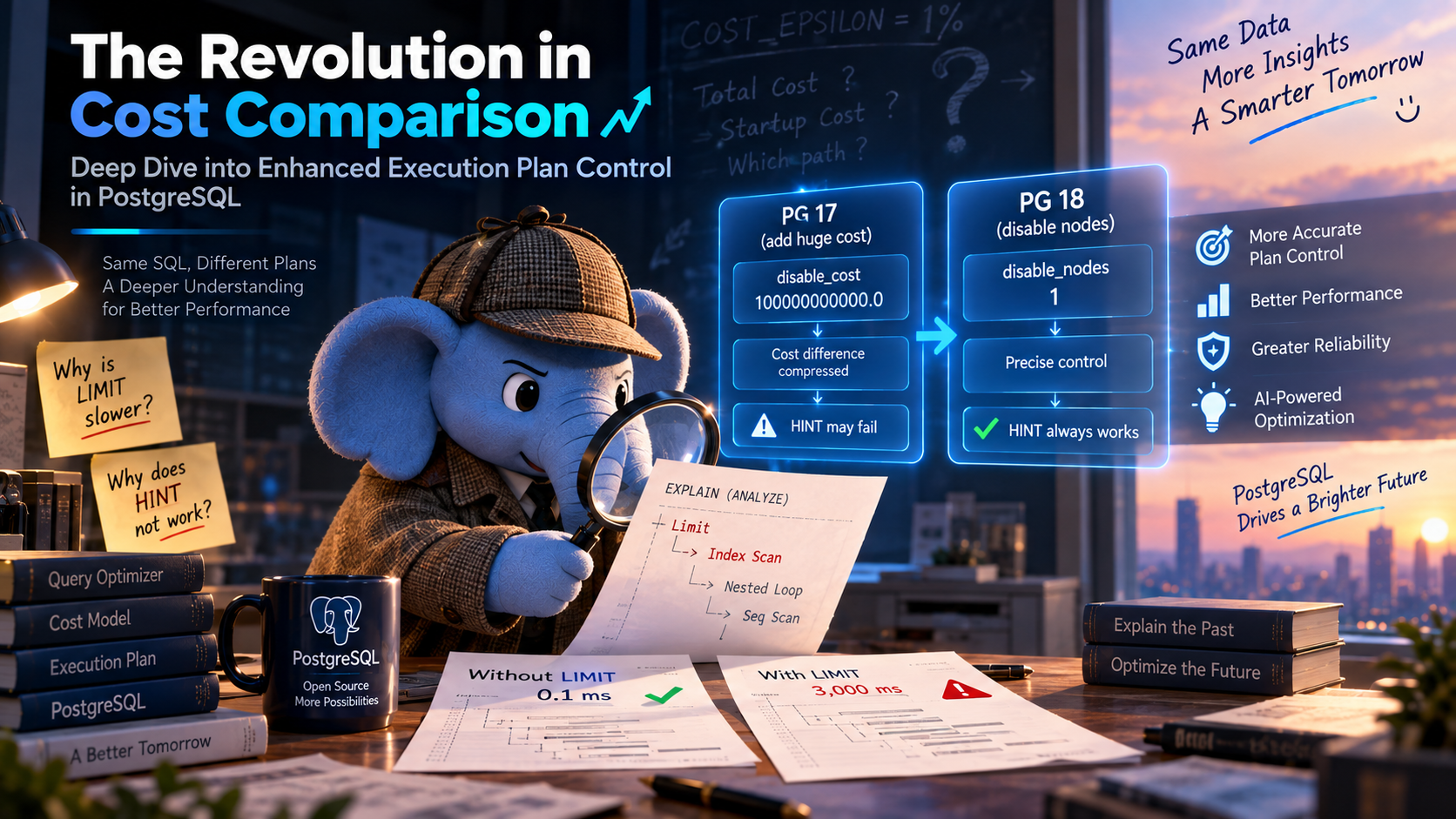
The Cost-Comparison Revolution: A Deep Dive into Enhanced PostgreSQL Execution Plan Intervention
Sep 7, 2026
The Great Way Is Simple: PostgreSQL Ops Subtraction and Governance Philosophy for Large-Scale Complex Business
Aug 19, 2026
Try IvorySQL
Get started with IvorySQL today. Read the docs or try our online demo.